
Scrolling through my social media feeds and YouTube videos, I’m bombarded with DLSS 5, NVIDIA’s fancy AI rendering technology that uses neural rendering to inject games with photorealistic lighting and other enhanced details.
I’m not going to dig into the technology or copy and paste a load of info from NVIDIA’s press notes, but rather share my early impressions of DLSS 5 running on Microsoft Flight Simulator 2024.
Now it’s worth mentioning that the DLSS floating around the web is an early leaked chunk of the tech and not an official release.
As with anything like this, it is advised to keep impressions grounded; I’d imagine when it does officially release, DLSS 5 will be a lot better than it is right now.
I want to give two shout-outs in this article before I get into my impressions: Fly With Lado for showing DLSS 5 off via a Live Stream I was watching and ultimately the person who led me to try it finally. Secondly, Kenco: his DLSS 5 YouTube tutorial is absolutely spot on and carefully walks you step by step on how to install the required files, a brilliant video which I’ll link at the end of this article.
The installation and downloading of files took less than 5 minutes, probably quicker in fact. From there it’s pretty much a drag and drop situation, and within a short space of time I was back in the Simulator ready to try DLSS 5 for myself.
The insert key brings up the overlay menu, which at first glance looks absolutely rammed full of tabs, drop down menus and tick boxes. In this case, neural rendering is the only real option we need, along with the keybind menu; this makes it simple to quickly toggle the effect off and on.

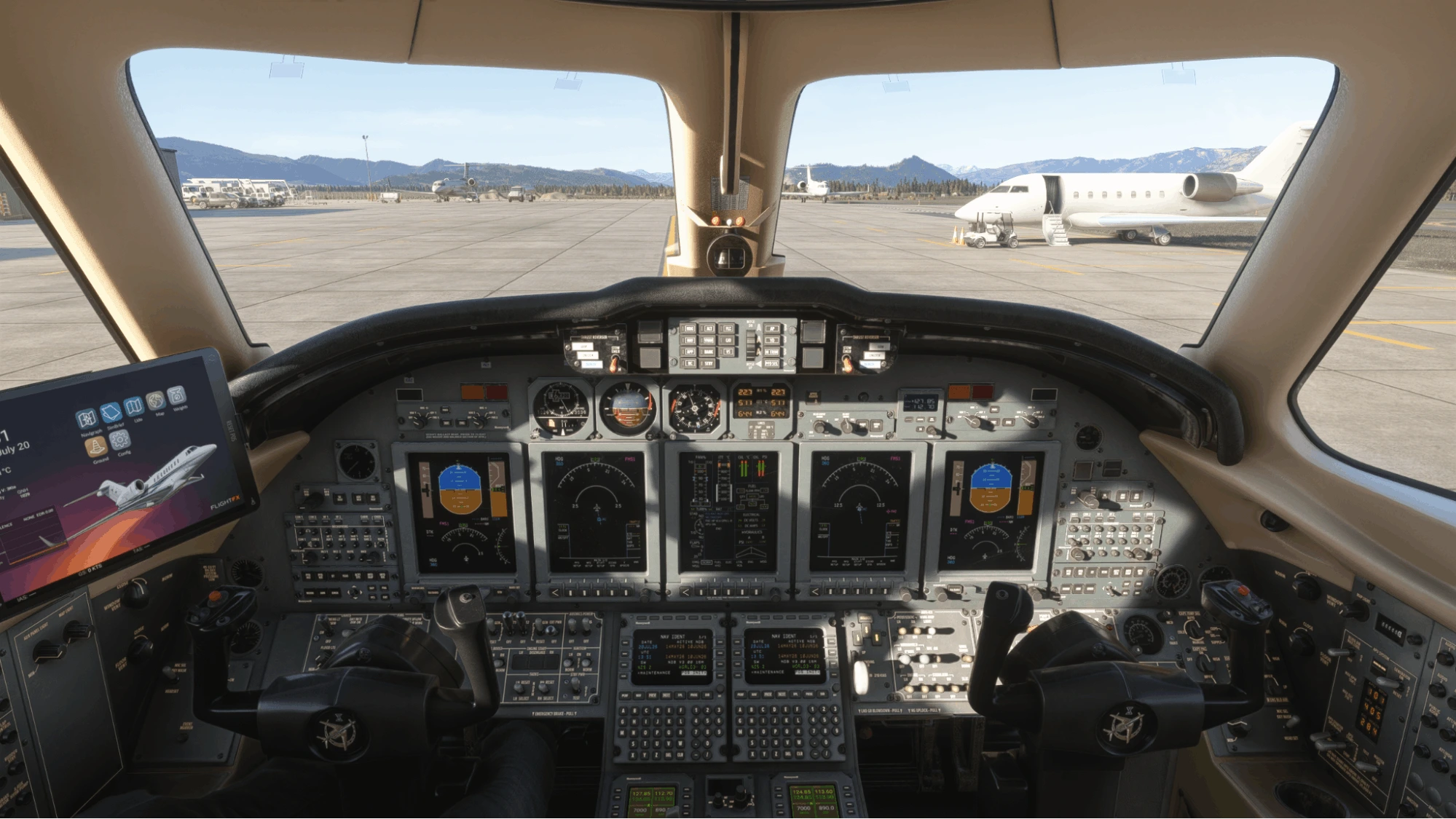
I’ve seen a small number of videos and screenshots of DLSS 5 running with MSFS 2024, so it wasn’t a massive surprise to see the difference once the neutral rendering was enabled. What I will say is, seeing it in front of me on screen was actually pretty impressive and not at all what I was expecting. MSFS 2024 is already a gorgeous looking sim, but seeing DLSS quickly adjust the colour tone, shadows and lighting on the fly was again super impressive to witness.
One area in which I’d say DLSS 5 impressed me the most was not actually human faces. Although it can upgrade the Sims avatar faces, I was actually blown away by the lighting and reflections it introduces. Surfaces within the aircraft cockpit look genuinely real; the asphalt on the ground at airports reflects the light, making it look very convincing to the eye.
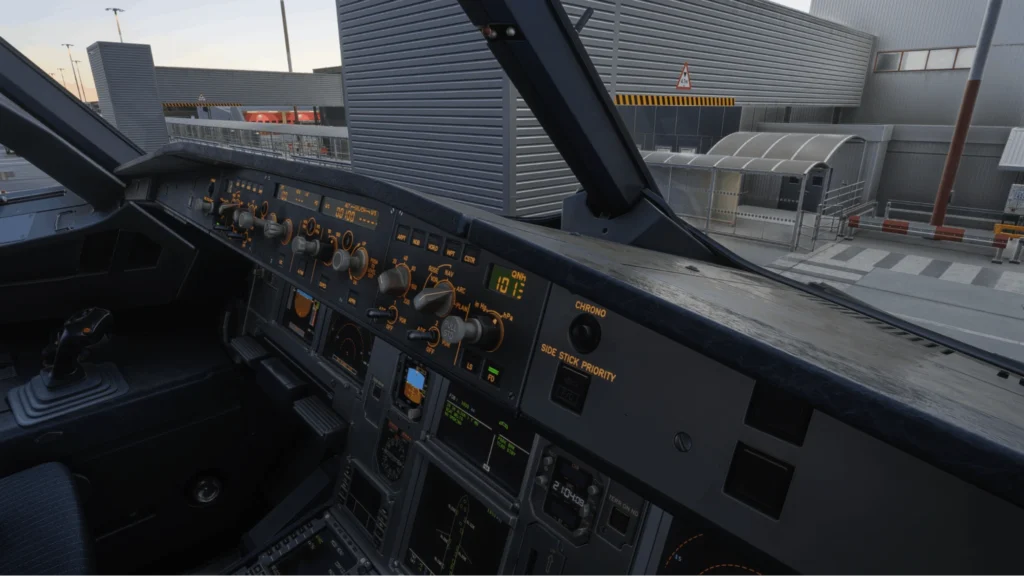
As you can see from some of the screenshots here, DLSS 5 transforms the already beautiful sim into an almost photorealistic picture, and although it does come with a bunch of issues, the potential is definitely there to see, and I’ve found myself using it more than I thought I would.
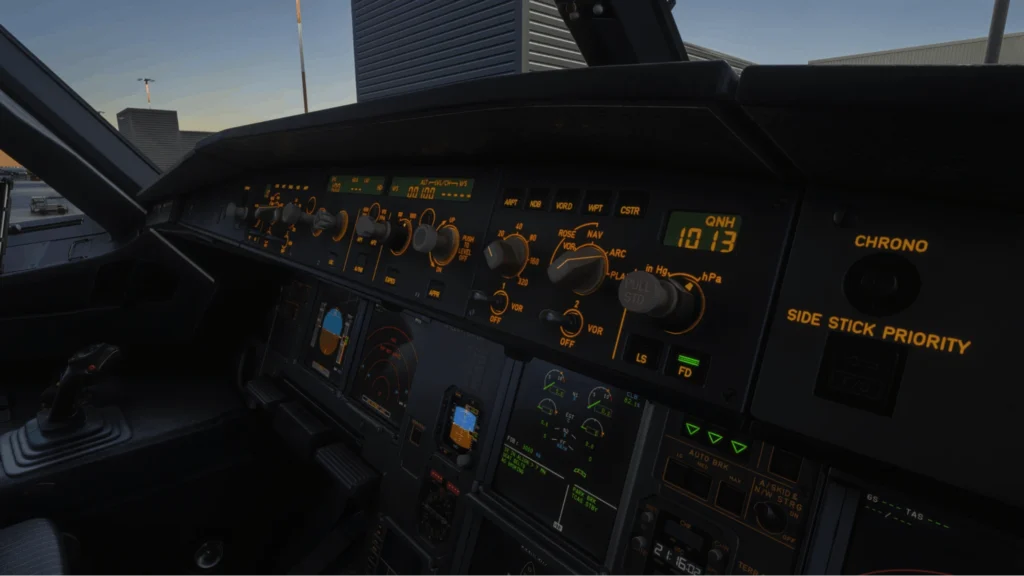
Right now, some of the issues I’m facing are really prominent colour banding in the skies, especially in clear weather with no clouds in the sky, which can look terrible but definitely not something that will affect flying. What stops me from flying, sadly, is the ghosting and blur on glass cockpits; reading altitude, etc can be painful and certainly why many have stopped using DLSS 5 till an official build comes out.
Lastly, I’ve noticed that after a while my insert key no longer brings up the DLSS 5 menu, which then sometimes leads to artefacts appearing on the screen; unfortunately, when that happens it’s a case of restarting the simulator.

Is it worth giving DLSS 5 a go now? Honestly, yes. Installation is super easy; there’s an option to uninstall the files if you don’t like it, but in my opinion you’ll probably be very surprised just how good it is. For reference, I’m using an RTX 4070TI Super, 64gb DDR 5 RAM and the i7 14700K CPU. I found my PC specs ran DLSS 5 absolutely fine; performance was on par with what I’d usually get, and I’m going to continue to use DLSS 5 for some screenshots and potentially some videos.
If you’re interested in seeing DLSS 5 in action for yourself, then check out Kenco’s simple tutorial link here: youtu.be/iO5XlDzr_XU?is=EqvM-9VAscv1hj6U
Let us know in our Discord Technical Hangar whether you plan to try DLSS 5 or if you are waiting for the official release.
Thank you for reading,
Bryan Field
AvGeekHangar