
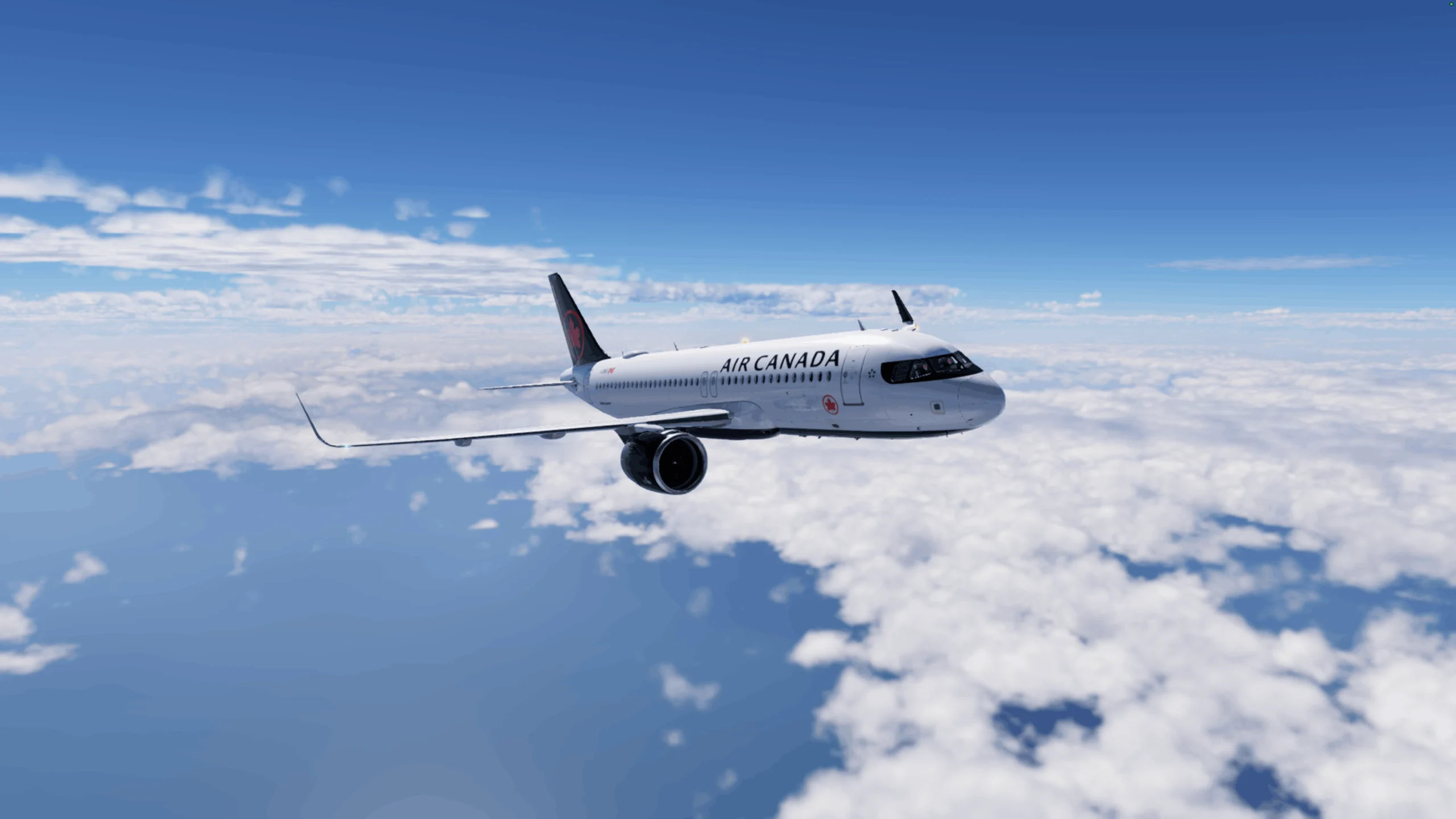
For those of you who don’t know me, hi — I’m known as The Flight Director.
I’ve been an aviation enthusiast for as long as I can remember — always fascinated by the flight deck. To me, it was this special room full of switches, dials, and indicators that looked like a spaceship.
If you want to know my full story, you can check out my article series here on AvGeekHangar separately. But that’s not what we’re here for today. We’re here to answer one question: can you actually flight sim on a Mac, and if so, does it suck?
Let’s dive in.
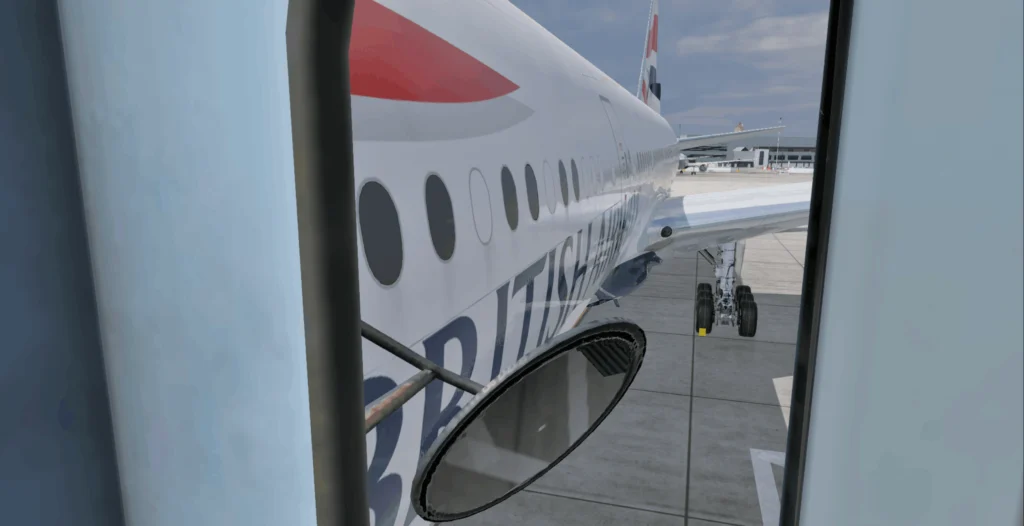
Good question. Firstly, I am very much an Apple guy. But would a Mac be my first choice for flight simming? Not really, no.
I got myself a Mac mini for video editing purposes, and seeing as I hadn’t flight simmed since I was a kid, I thought it was about time I installed something to reignite my love for commercial aviation.
On came X-Plane 12, and with an old Thrustmaster joystick I had lying around, I got to flying. I had absolutely no idea what settings would work best, and quite frankly, at the time, I didn’t care. I just wanted to remember what it felt like to fly a virtual airliner.
Here we are, a year later, and not only am I still simming on my Mac mini, but I’m streaming, editing, and making long-form YouTube videos within this wonderful niche.
So, does X-Plane 12 work well on a Mac mini? Surprisingly so. That said, it does depend on your specific specs.
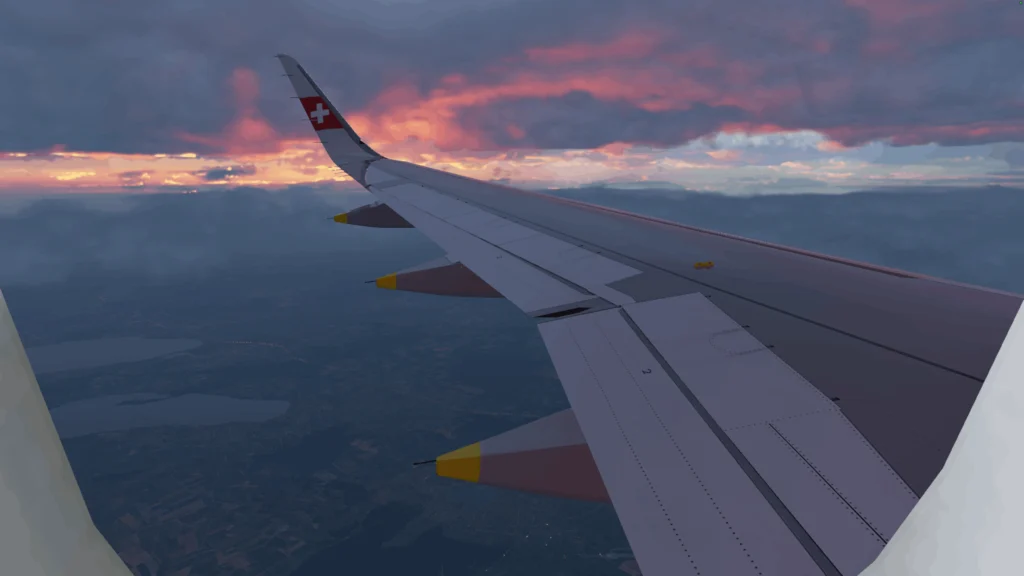
Although a Mac mini is a very small computer, it’s surprisingly powerful, and my particular machine is on the higher end of that spectrum. Here’s a breakdown of my specs:
| Computer | Mac mini |
| Year | 2024 |
| Chip | Apple M4 Pro |
| Unified Memory (RAM) | 64 GB |
| Internal Storage (SSD) | 500 GB |
| External Storage (SSD) | 1 TB |
So, what kind of performance am I getting out of this machine? Nowhere near what you’d expect from a dedicated gaming PC, but I’m averaging around 25–30fps in X-Plane 12 — even while streaming from the same machine simultaneously.
I should point out that I’m not running X-Plane with every graphics setting cranked up to maximum. I’ve adjusted the settings to find a balance between visual quality and performance, and, to my eye, the simulator still looks great.
It’s safe to say that my Mac has been more than capable of getting me back into the world of flight simulation, and, most importantly, I’ve genuinely enjoyed using it.
Are there downsides to simming on a Mac, though? Oh yes. Plenty.
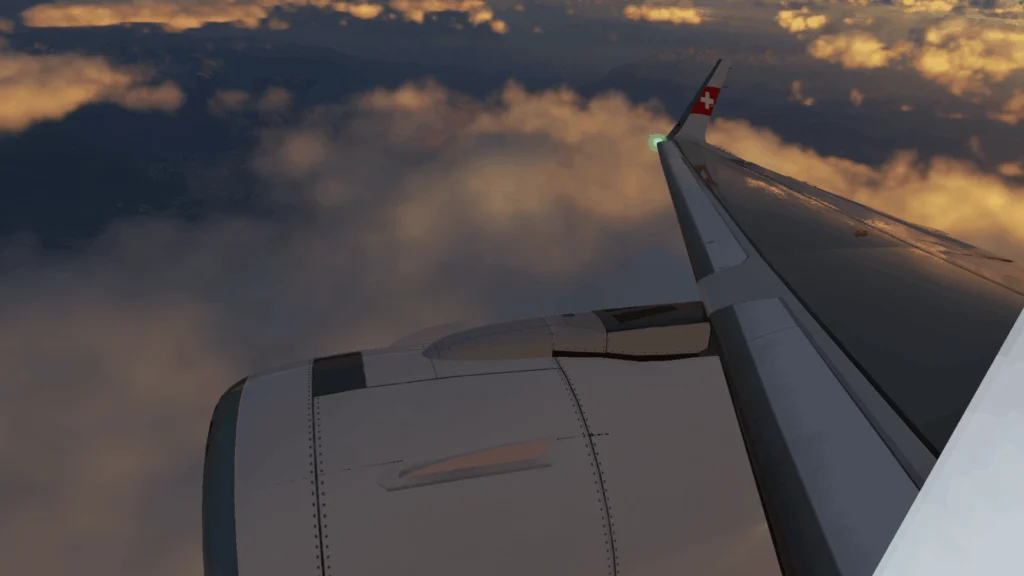
In a word: ecosystem. There basically isn’t one.
If you want to sim on a capable Mac, you can absolutely do so, and you’ll enjoy it. However, if your intention is to start accumulating an array of impressive hardware and take advantage of the incredible software available today, you can forget about it.
Unfortunately, much of the hardware and software that makes flight simming more immersive is designed primarily for Windows, with Mac support often limited or completely nonexistent.
Before I realised this was the case, I spent so much time and money ordering various bits of hardware, impatiently waiting for them to arrive, only to find out they’re not remotely interested in working with my Mac mini. Hopefully one day things will be different, but for now, the flight sim niche seems to favour Windows computers.
Because of the limitations I’ve come to experience, I’ve settled for a decent little setup.
My setup is pretty simple, but it allows me to enjoy X-Plane 12 without any issues. Here’s a breakdown of the hardware I’m currently using, with my setup mainly geared towards flying the A320:
| Sidestick | WinCTRL Ursa Minor |
| Throttle Quadrant | Thrustmaster TCA Captain’s Pack TQ |
| Rudder Pedals | Thrustmaster T.Flight |
There are a few add-ons that I’ve been using, and I absolutely love them.
Firstly, if you’re not using the SimHeaven scenery, you should definitely install it. It elevates the default not-so-great X-Plane scenery to a level where you might sometimes forget you’re actually in X-Plane.
In addition to SimHeaven, I have a couple of payware airports, namely Manchester and London Stansted. I also have a free enhanced version of London Heathrow, which, in my opinion, looks great.
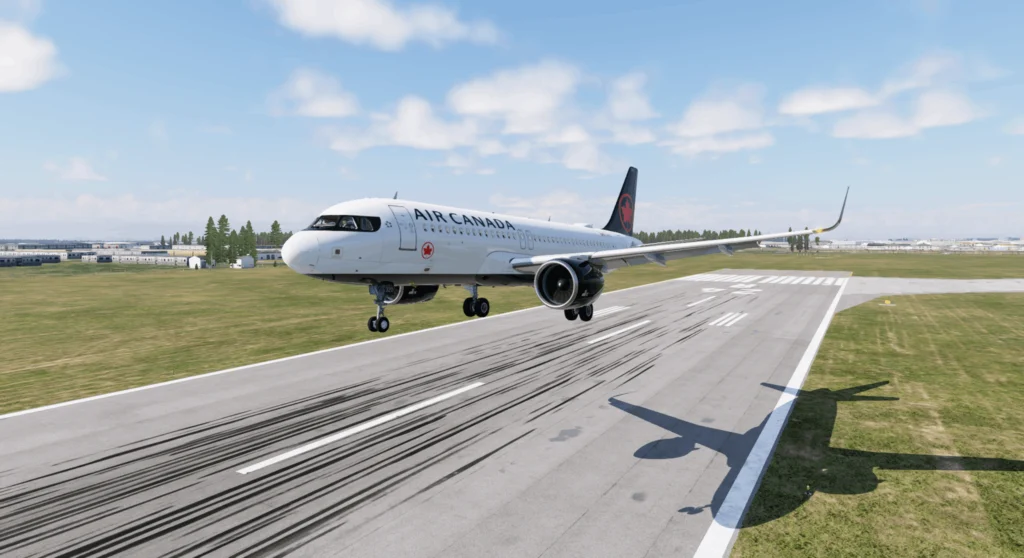
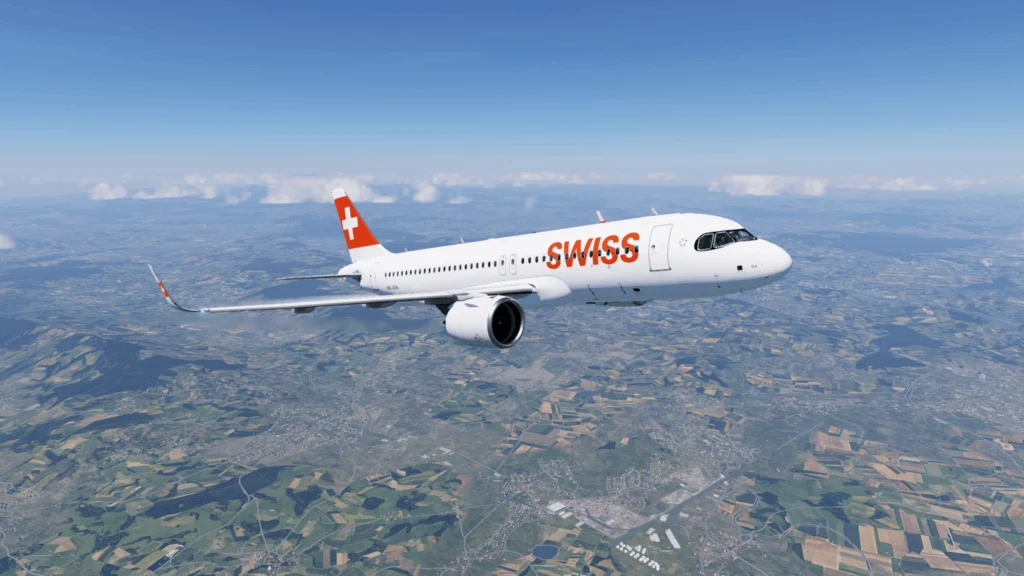
In terms of aircraft, I’m using none other than the legendary ToLiss A320neo, and I absolutely love it. I fly it every day, and I’m still learning all the ins and outs of its systems. It looks great, it feels great to fly, and with the right livery, it just pops.
Again, the answer is pretty simple: quite a lot.
I’m able to enjoy flying around and following procedures, but when it comes to taking that immersion to the next level, being on a Mac starts to get in the way.
My next step is to incorporate VATSIM into my flights. VATSIM is available on Mac, although I’m yet to properly test it myself. I did try to install IVAO and ran into a few issues, which ultimately made me give up because I just couldn’t get it to work.
In an ideal world, I’d love to try something like SayIntentions to become more proficient with ATC before moving over to VATSIM, but once again, SayIntentions isn’t compatible with Mac.
There are workarounds to some of these issues, such as using a virtual Windows desktop, but given that I stream and my framerate is already not great, it seems like a risky solution — at least while streaming. I may try a workaround soon, but knowing how hard my Mac is already working, I’m not overly optimistic about everything running smoothly.
Let’s also not forget the elephant in the room. If you’re simming on a Mac, your options are considerably more limited, with X-Plane being the obvious choice for the kind of airliner flying I enjoy.

Now, X-Plane is a truly fantastic simulator, but MSFS is in a realm of its own when it comes to how realistic the scenery can look, the extent to which GSX and other third-party add-ons can take ground operations in terms of realism, and the overall visual experience.
There are add-ons available for X-Plane that add an extra layer of realism to ground operations and passenger boarding, but guess what — the coolest ones are only available on Windows. Oh, the joys of simming on a Mac.
Honestly? It’s really not that bad.
I got my Mac mini for video editing purposes, yet it unexpectedly became the machine that brought me properly back into the world of flight simming. And when I do sim, I love it — it’s a great experience. Despite everything I’m missing out on, I’ve never felt like I’m getting a lesser flight simulation experience simply because I’m on a Mac.
There’s one important point to keep in mind here, though: the Mac isn’t necessarily the limitation — macOS is.
My Mac mini is clearly powerful enough to run X-Plane 12, stream simultaneously, and handle everything else I throw at it. The problem is that so much of the wider flight sim ecosystem simply isn’t built with macOS in mind.
There are probably ways of working around many of these issues, whether that means virtual machines, cloud-based Windows environments, or other solutions, but at some point it becomes extremely impractical. I could spend hours finding ways to make unsupported software work when, ultimately, I just want to go flying.
So, would I recommend flight simming on a Mac? If you already own a capable Mac and want to get into flight simulation, absolutely. X-Plane 12 has given me countless hours of enjoyment, and you certainly don’t need to go out and buy a dedicated gaming PC just to experience what flight simming has to offer.
Would I recommend buying a Mac specifically for flight simulation? Probably not.
I’ve reached the point where I want more. I want access to the hardware, software, add-ons, and simulators that I’ve spent the last year watching everyone else use, without having to research whether something supports macOS every time I want to add something new to my setup.
And that means, after a year of flight simming on a Mac, I’m finally making the move to PC.
But I certainly don’t regret starting on a Mac. This little machine unexpectedly brought me back into a hobby I loved as a kid and ultimately played a part in creating The Flight Director.
So, how bad is flight simming on a Mac, really?
Not bad at all.
Just be prepared to occasionally look over at the Windows crowd with a little bit of jealousy.