
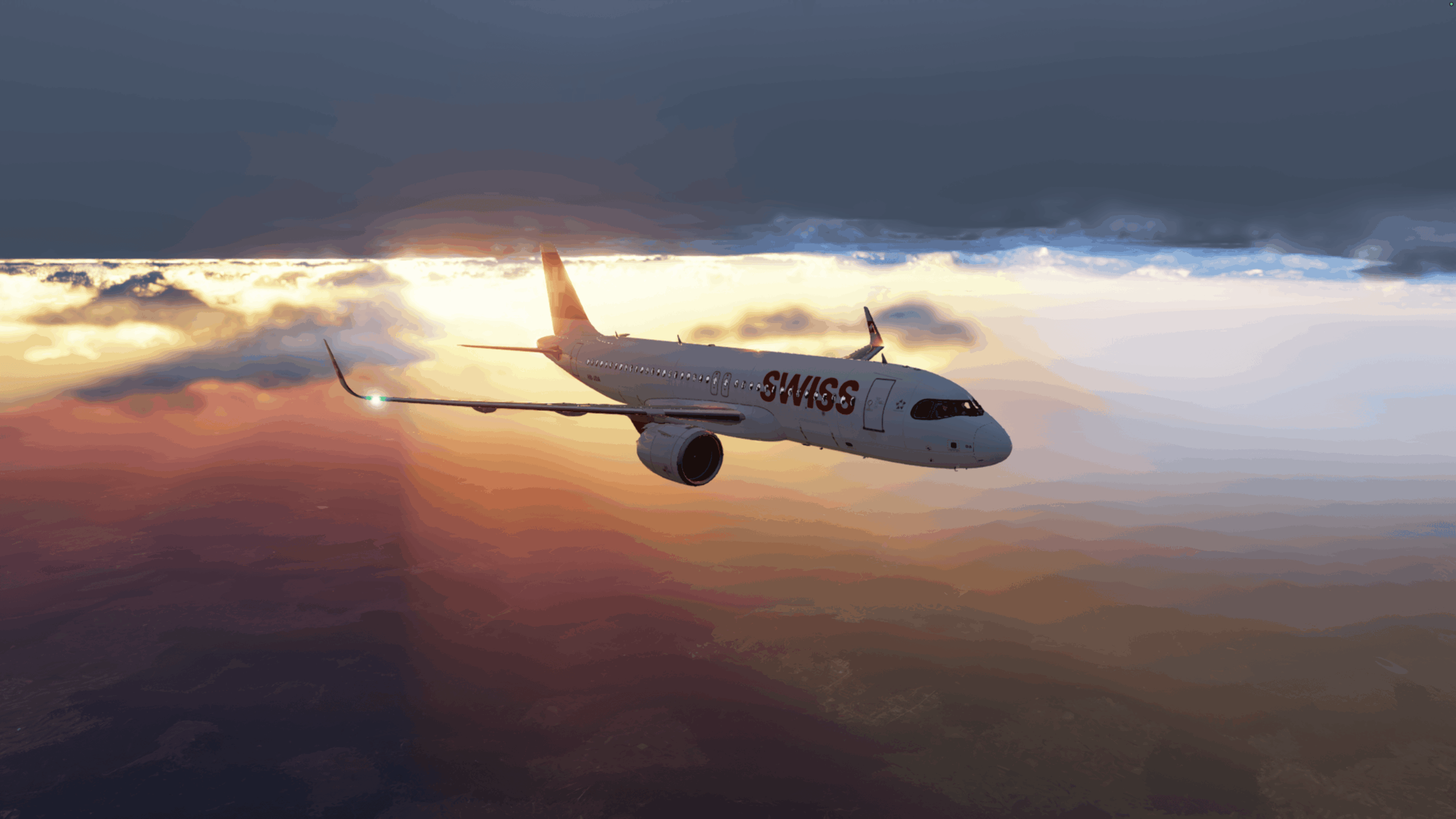
Meet The Flight Director, one of the contributors joining us in the Technical Hangar.
For the past year, The Flight Director has been doing something a little unusual in the flight simulation world – running X-Plane 12, creating content and even streaming from a Mac mini.
And, as he explains in his first article for AvGeekHangar, Flight Simming on a Mac: How Bad Is It, Really?, it has worked surprisingly well. But there’s a problem. As his interest in flight simulation has grown, so has his ambition for his setup – and he’s reached the point where macOS is beginning to hold him back.
But rather than simply buying a new PC and showing us the finished setup, we’re going to follow the whole journey.
What PC does he actually need? Which CPU and GPU make sense for flight simulation? How much memory is enough? Where is it worth spending more – and where isn’t it? Then there’s monitors, controls, peripherals, add-ons and the rather dangerous rabbit hole of building a more immersive home cockpit.
Over the coming months, The Flight Director will document the decisions, research, mistakes, upgrades and inevitable changes of mind as he takes his relatively simple Mac-based setup and turns it into a purpose-built flight simulation system.
We’ll be asking for your recommendations, experiences and opinions along the way. What would you choose? What have you learned from building or upgrading your own system? And, knowing what you know now, what would you do differently?
This isn’t a guide written after the answers are known. It’s the journey of finding them.
Follow The Flight Director here in the Technical Hangar as we go from Mac mini to flight-ready PC – one decision at a time.