
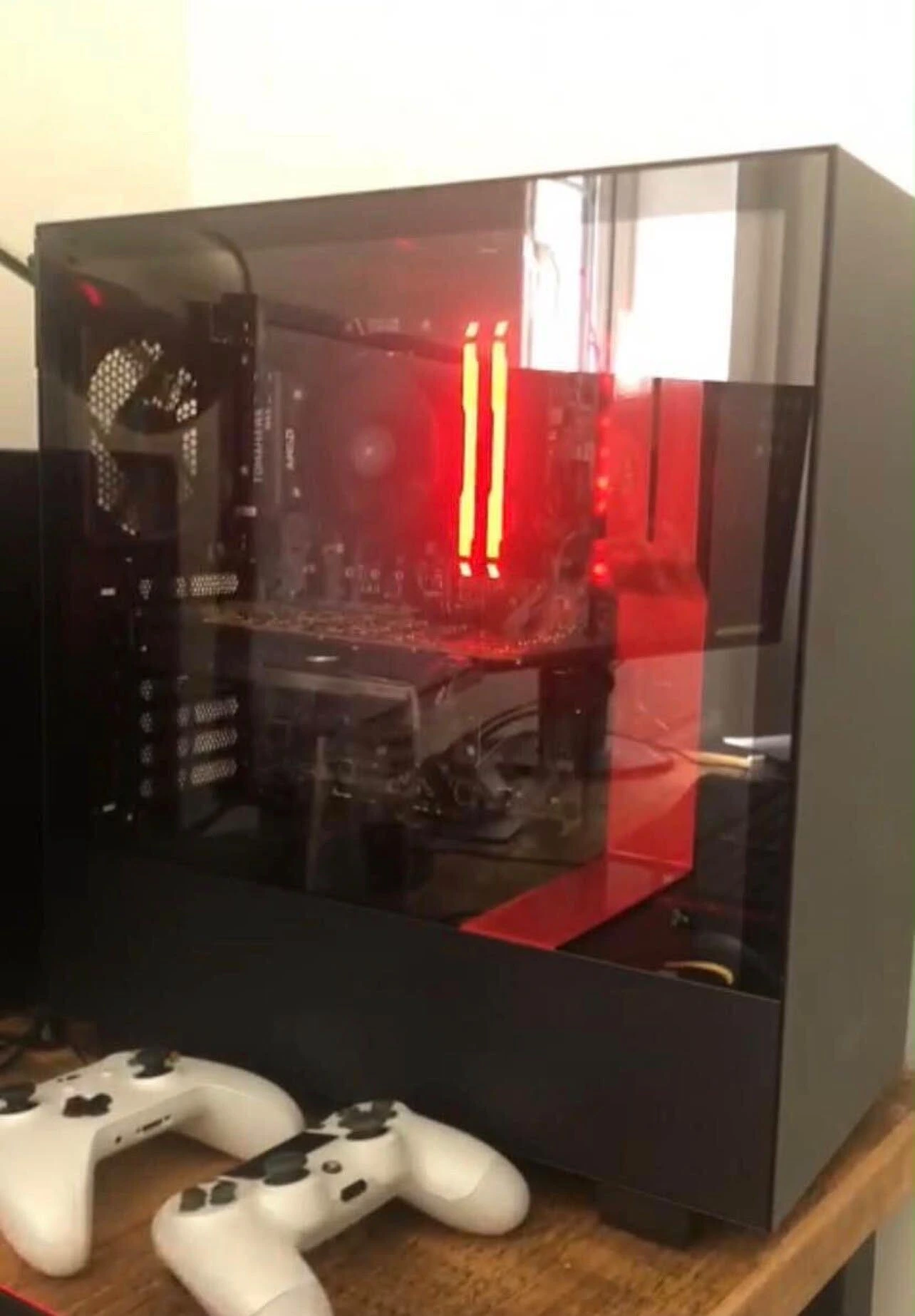
Before getting into my new PC build, I wanted to show what I was using before, how it actually
performed and why I eventually decided it was time to upgrade.
I’ve got around five years of experience with PCs and building them, and I’ve been using MSFS
2024 for a while now. As my flight sim setup grew, I was asking more of the PC too. Alongside
the aircraft itself, I had extra software running, physical cockpit controls and tools I wanted to
use during flights.
I could get up in the air and enjoy it, but getting a consistently smooth flight was becoming a struggle.
My old PC had:
The aircraft I used most were the Fenix A320 and the FlyByWire A320. I usually flew out of
Gatwick or Heathrow, heading somewhere like Amsterdam Schiphol or Rotterdam.
I sometimes flew on VATSIM too, although the performance issues were still there without it.
For anyone comparing their setup with mine, these are my experiences from normal flights. I
wasn’t running a controlled benchmark, so the figures are there to give you an idea of what it
was like.
Most of my graphics settings were on low, with a few things on medium. I had also tried
dropping from 1440p to 1080p to see how much that helped.
I used frame generation as well, but I still had plenty of stutters and lag. Even with it enabled, I
wasn’t getting the consistency I wanted.
Once I was up at cruise altitude, things were usually okay. I would see around 40 FPS and could
get on with the flight.
The problems really showed up during take-off and landing. As I came in to land, I would get
frame drops, stuttering and lag, right when I wanted everything to feel responsive. Getting
through the cruise reasonably well and then having a rough approach was frustrating.
That was probably my biggest issue with the whole setup. I wanted the important parts of the
flight to feel smooth, and lowering the settings still wasn’t getting me there consistently.
I used both regularly, but I found the FlyByWire A320 gave me more consistent performance on
this PC.
The catch was that I couldn’t properly use all my hardware with the FlyByWire setup I had
configured. After putting time and money into physical controls, I obviously wanted to be able to
use them.
That left me with a compromise. FlyByWire generally gave me the more consistent experience,
while my hardware setup gave me a reason to keep going back to Fenix.
That’s just how it worked out with my setup at the time. Your experience could be different
depending on what you’re running and how you’ve configured it.
The simulator was only part of what I had running.
Depending on the flight, I was also using SimApp Pro, OBS, the Fenix software, a browser for
other tools, and either vPilot for VATSIM or BeyondATC. I didn’t use BeyondATC when flying on
VATSIM.
I found myself constantly closing anything I didn’t need at that exact moment. Then, if I needed
it later in the flight, I’d have to open it again.
That got annoying quite quickly. These were tools I wanted to use as part of the experience, but
I kept having to think about what I could close.
Loading into the game felt like it took decades as well. Realistically, it was around five minutes,
but when you’re ready to fly, it definitely feels longer!
The physical side of the setup was something I had chosen to build up because I enjoy that part
of flight simulation.
My WINCTRL/WINWING hardware included the URSA MINOR Airbus-style sidestick and
throttle, FCU and EFIS panels, MCDU, RMP, ECAM panel, AGP, landing gear, Throttle
quadrant, and TCAS panel, etc.
I also had multiple monitors, which made it easier to keep charts and other tools visible without
constantly switching away from the sim. They helped the way I used the setup feel smoother,
rather than improving the simulator’s frame rate.
All of that hardware was optional. It was something I wanted, and you don’t need to copy my
cockpit to enjoy flight simulation.
As much as I liked having the extra controls and screens, I was still dealing with the same
stutters when I came in to land. For me, the PC was the upgrade that mattered most.
There were parts of the old setup that worked well enough. At cruise, I could enjoy the flight,
and FlyByWire gave me a more consistent option.
But the constant stutters, rough take-offs and approaches, long waits and closing apps
eventually became too frustrating.
I had put a lot into making the physical setup how I wanted it, and I wanted the PC to support
the way I actually used the sim. That included having the aircraft, supporting software and
recording tools available without constantly managing what was open.
I also wouldn’t assume every issue I experienced was caused by the PC itself. Aircraft software,
settings and bugs can all affect a flight. What I did know was that the overall experience with my
old setup wasn’t where I wanted it to be.
That’s what led to the new build.
In my next piece, I’ll go through why I chose the Ryzen 7 9800X3D, RTX 5080 and 64GB of
RAM, how the build went, and my first impressions now that it’s up and running.
Harry | AeroHarold